Free · Coming soon for Windows
Spotting · tempo maps · scoring handoff
Film Cue — Spotting & Tempo Maps
Mark the frame where a cue should land, then try different tempos against picture. Export the tempo map as MIDI or share your spotting notes with the rest of the scoring team.
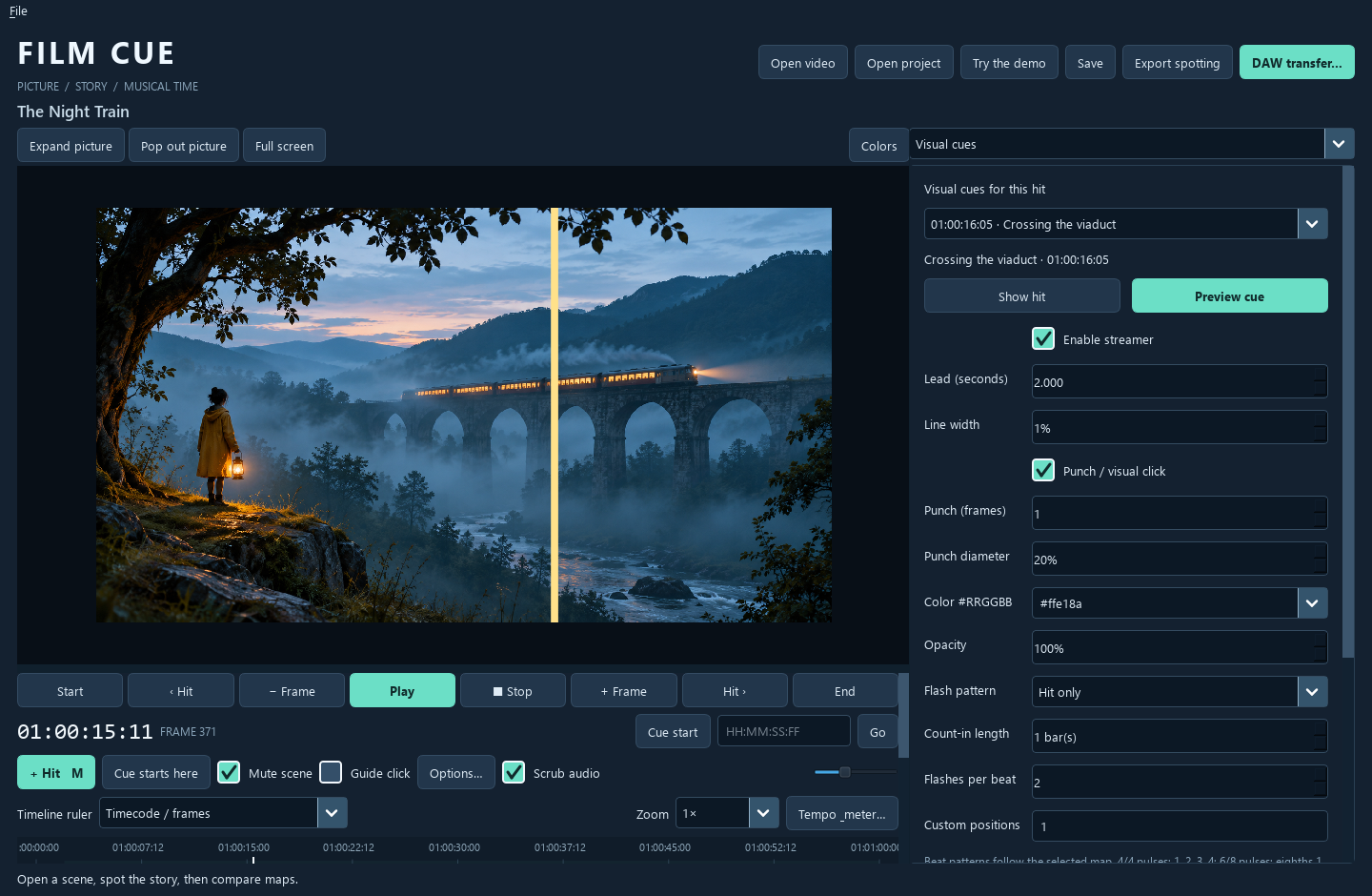
From spotting to handoff
Find a tempo that lands on the picture.
Say a cue needs to land just as the train enters the shot. Mark that frame, try a map against playback, and watch the streamer lead into the hit. Compare how each tempo feels in the bars before it.
- Spot the cuePlace markers by frame and attach notes about the action, story, subtext, or musical priority. Lock markers that need to stay put.
- Compare mapsSync-first favors alignment with picture. Musical-first favors the musical line. Balanced gives you a third starting point between them.
- Refine the cueSet tempo and meter sections by hand, then play through the passage to hear how the bar lines meet the cut.
- ExportWrite a valid tempo map as Standard MIDI. You can share spotting notes as CSV, JSON, or HTML even before choosing a final map.
- Try another versionSave a copy of the project before exploring a different map so you can return to the earlier cue.
Explore the rest of the collection.
Return to the store for another free Windows tool, paid Windows plug-ins available now, and Android apps.